← Back to overview

Inkwell, now in your browser. Same pages, nothing to install.

A free online screenplay editor. Open it, start typing, and your script formats and paginates as you go. Your script stays on your computer. The Mac app adds sync, sharing and version history.

Free · No account needed to write · Works offline · Short address: screenplay.new
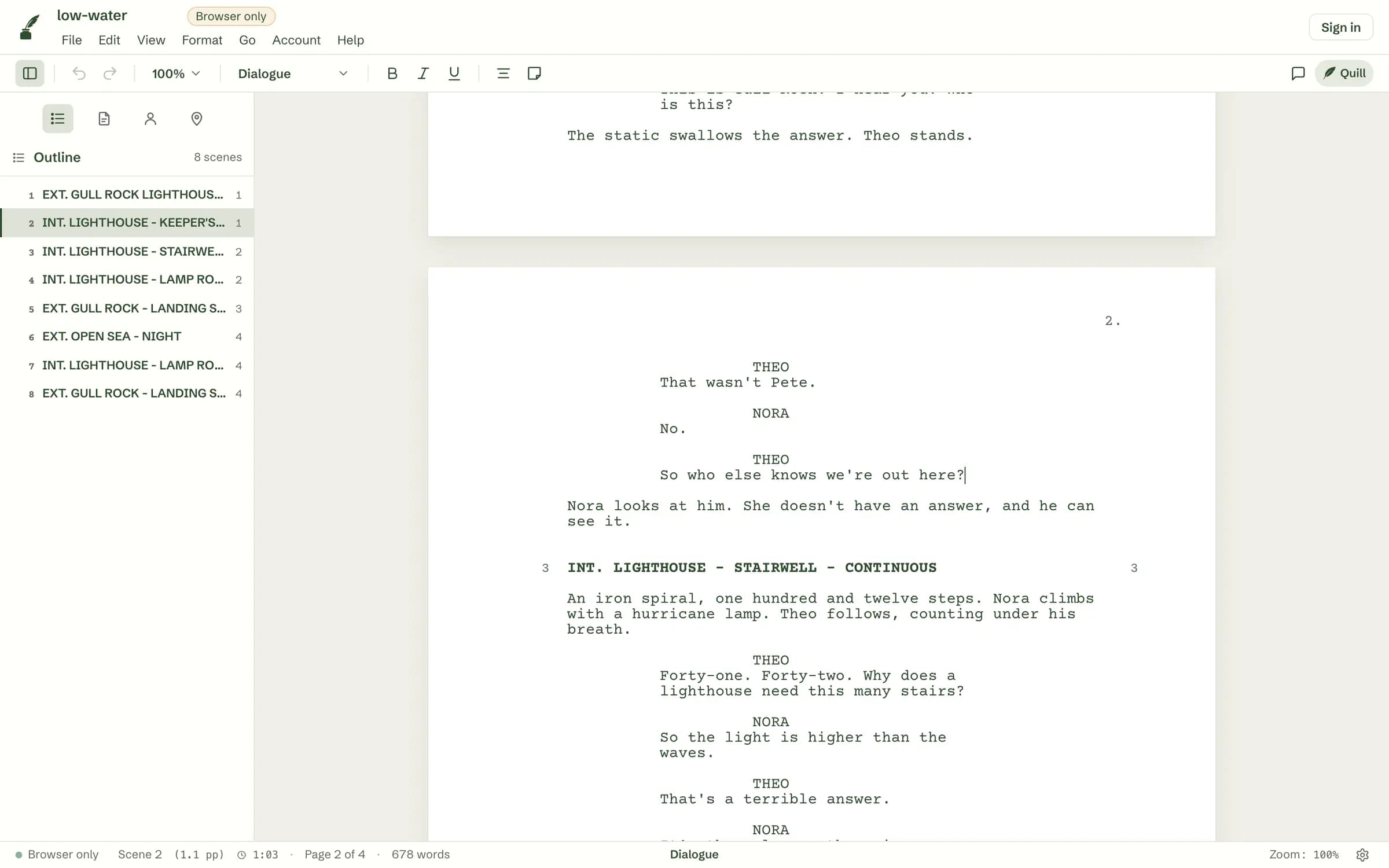
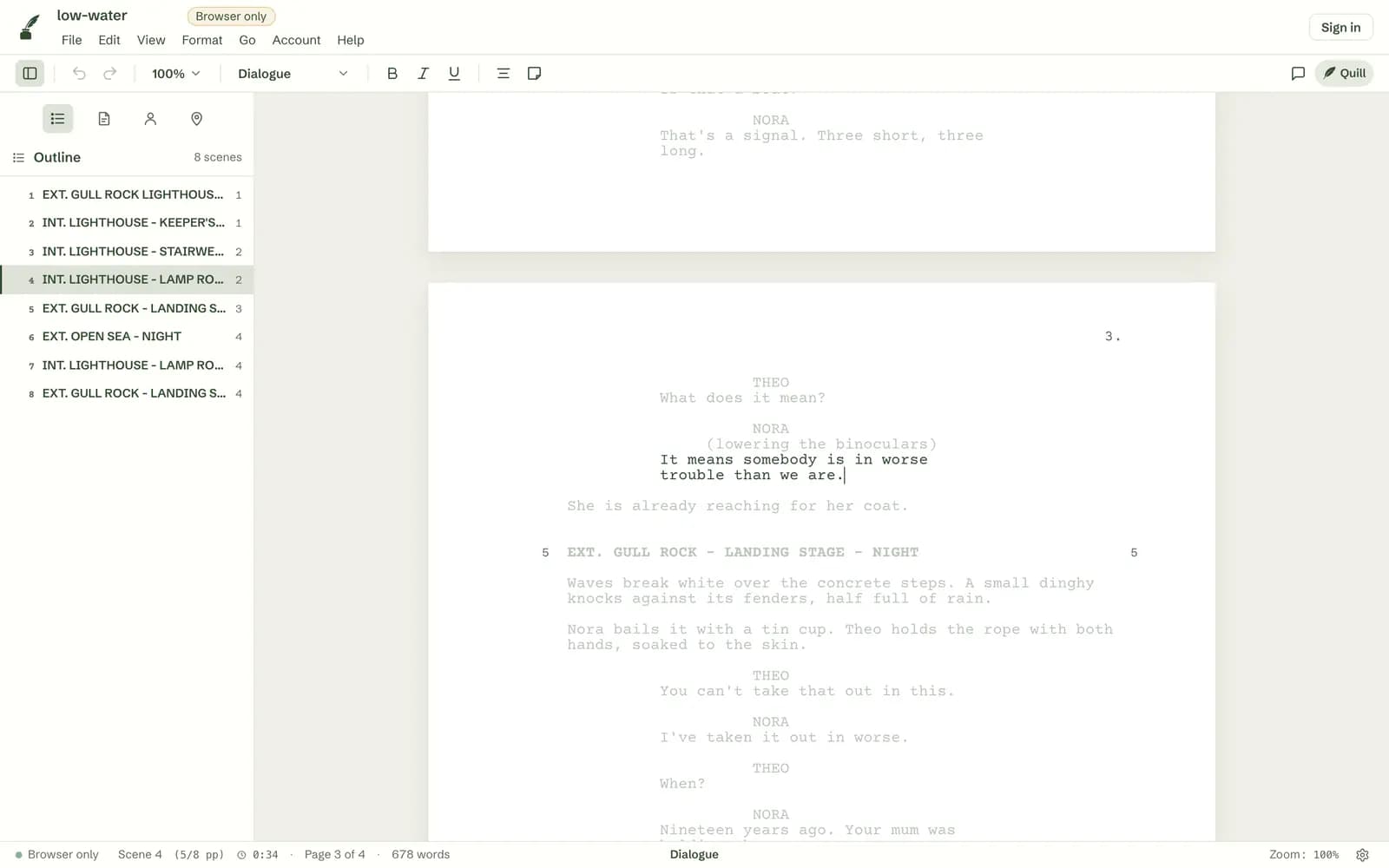
The Inkwell editor in a browser, light theme. A screenplay called low-water is open at the bottom of page 1 and the top of page 2: Theo asks So who else knows we're out here?, then scene 3, INT. LIGHTHOUSE - STAIRWELL - CONTINUOUS, with scene numbers in both margins. The outline of eight scenes sits on the left and the status bar reads Page 2 of 4.The Inkwell editor in a browser, light theme. A screenplay called low-water is open at the bottom of page 1 and the top of page 2: Theo asks So who else knows we're out here?, then scene 3, INT. LIGHTHOUSE - STAIRWELL - CONTINUOUS, with scene numbers in both margins. The outline of eight scenes sits on the left and the status bar reads Page 2 of 4.
01

Start typing in seconds.

Go to screenplay.new and a blank page is waiting, with the caret already on it. There's nothing to download, and you don't need an account to write.

It runs in your browser on Windows, Linux, a Chromebook or a Mac. Start a line with INT. or EXT. and it becomes a scene heading.
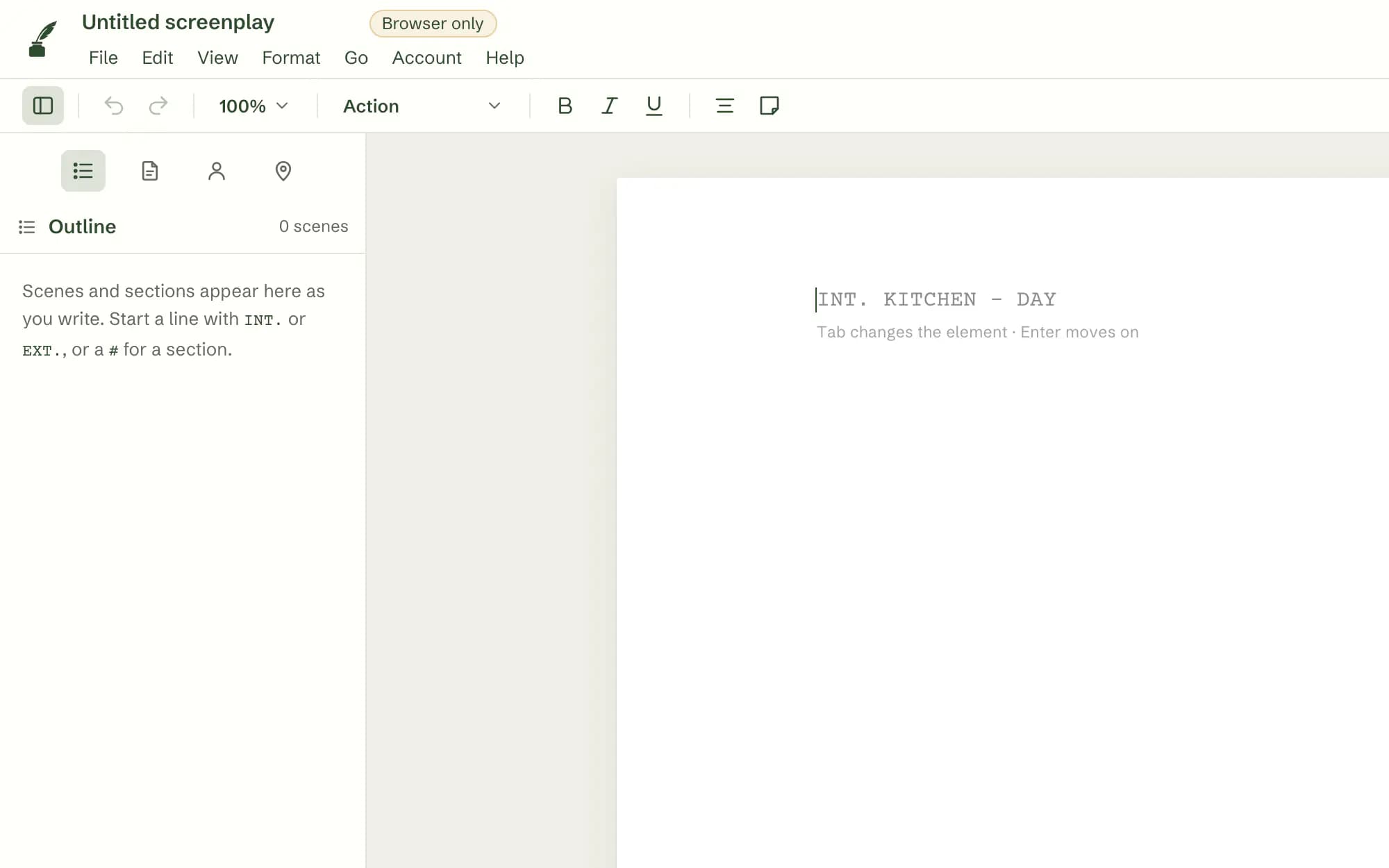
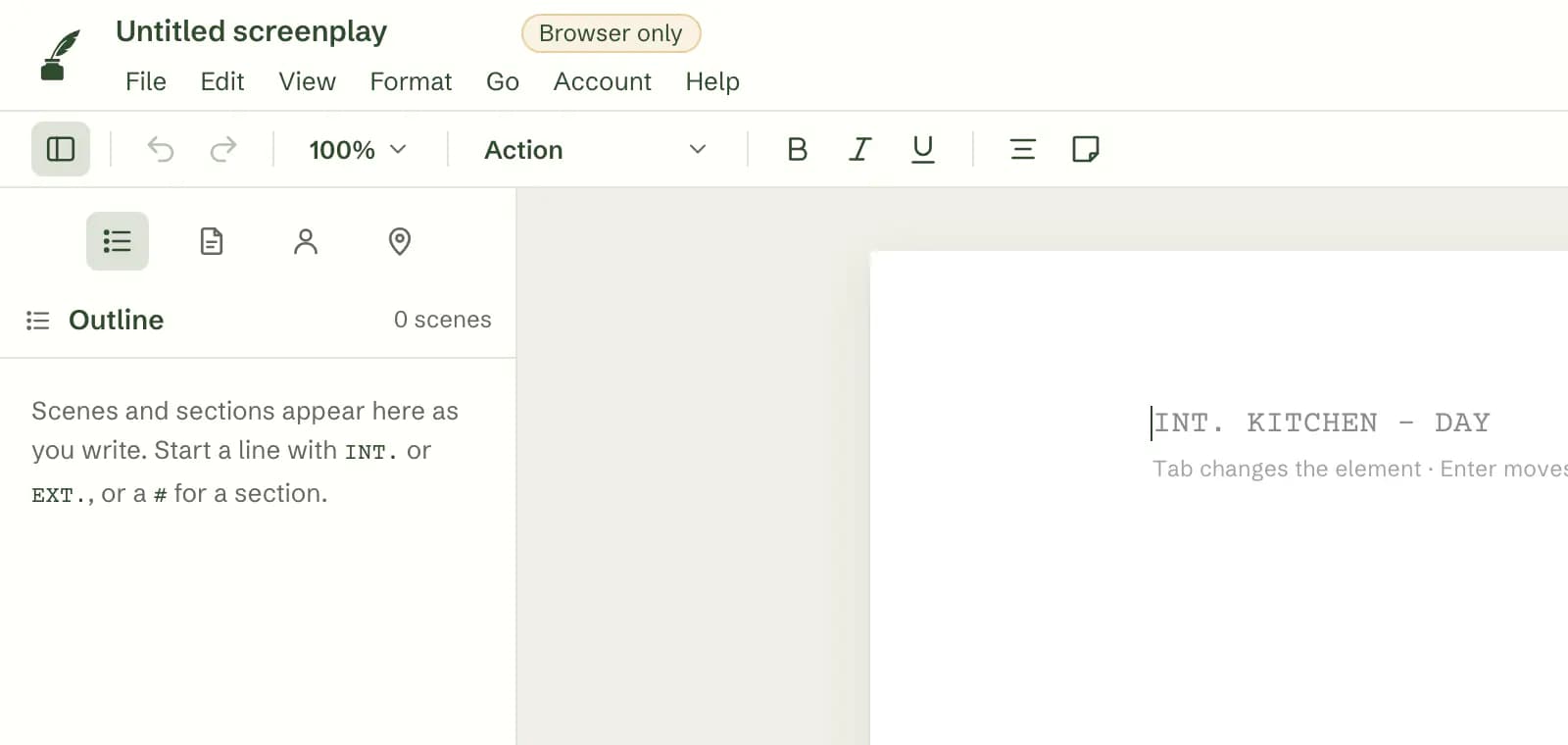
A new, empty script in the browser editor: Untitled screenplay, one blank page with the caret on the first line and the hint INT. KITCHEN - DAY, Tab changes the element, Enter moves on. The outline says scenes and sections appear there as you write.A new, empty script in the browser editor: Untitled screenplay, one blank page with the caret on the first line and the hint INT. KITCHEN - DAY, Tab changes the element, Enter moves on. The outline says scenes and sections appear there as you write.
02

Pages that lay themselves out.

Type, and your script formats itself. Formatting, line wrapping and page breaks come from the same engine as the Mac app, so a page here is the same page there.

If Inkwell guesses the wrong kind of line, Tab changes it. Scene numbers and page numbers sit where a reader expects them.
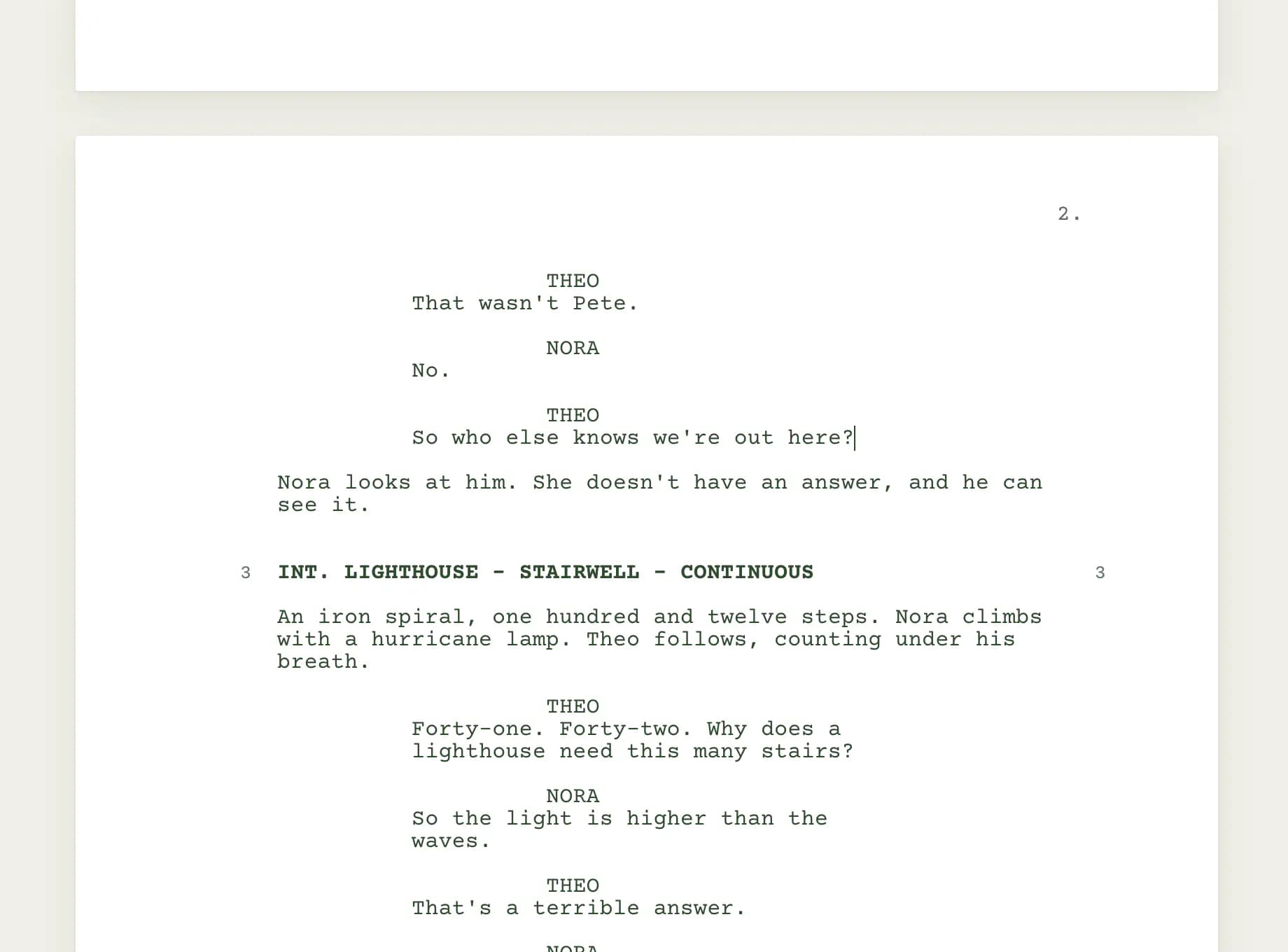
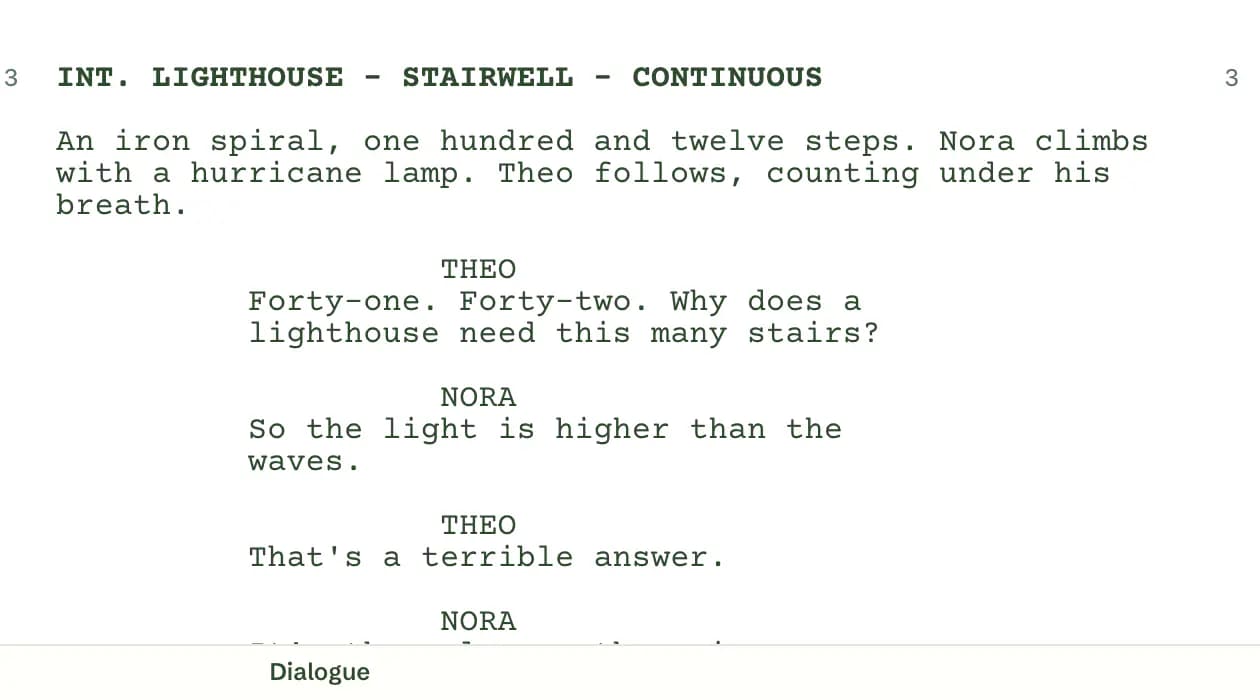
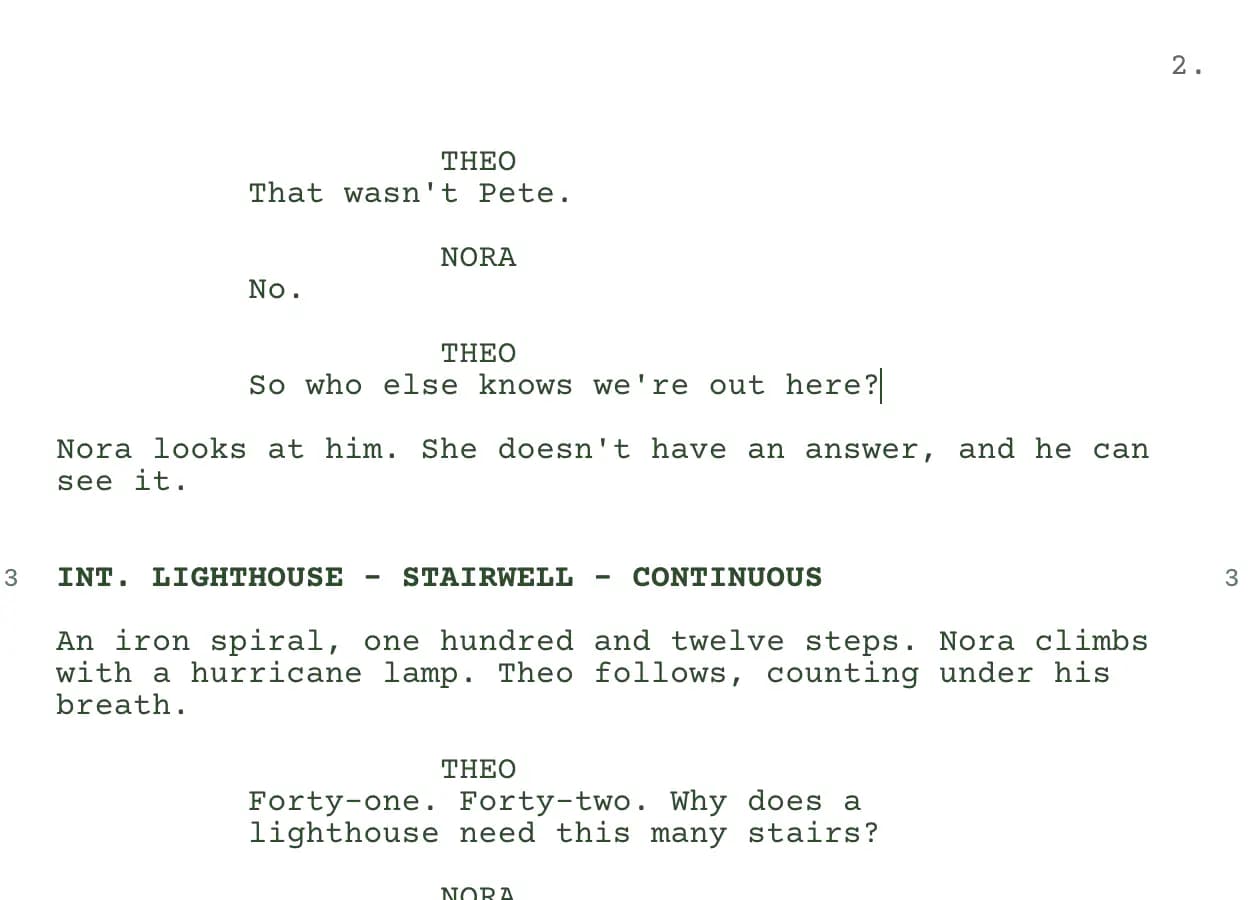
A close view of a page break: page 2 starts with Theo and Nora's exchange, then scene 3, INT. LIGHTHOUSE - STAIRWELL - CONTINUOUS, numbered 3 in both margins, and an action paragraph wrapped in Courier.A close view of a page break: page 2 starts with Theo and Nora's exchange, then scene 3, INT. LIGHTHOUSE - STAIRWELL - CONTINUOUS, numbered 3 in both margins, and an action paragraph wrapped in Courier.
03

Bring your script with you.

Drop a Final Draft (.fdx), Fountain or PDF file on the window, or use File ▸ Open or File ▸ Import, and it opens as an editable script. Inkwell (.ink) files open too.

The file is read in your browser and never uploaded.
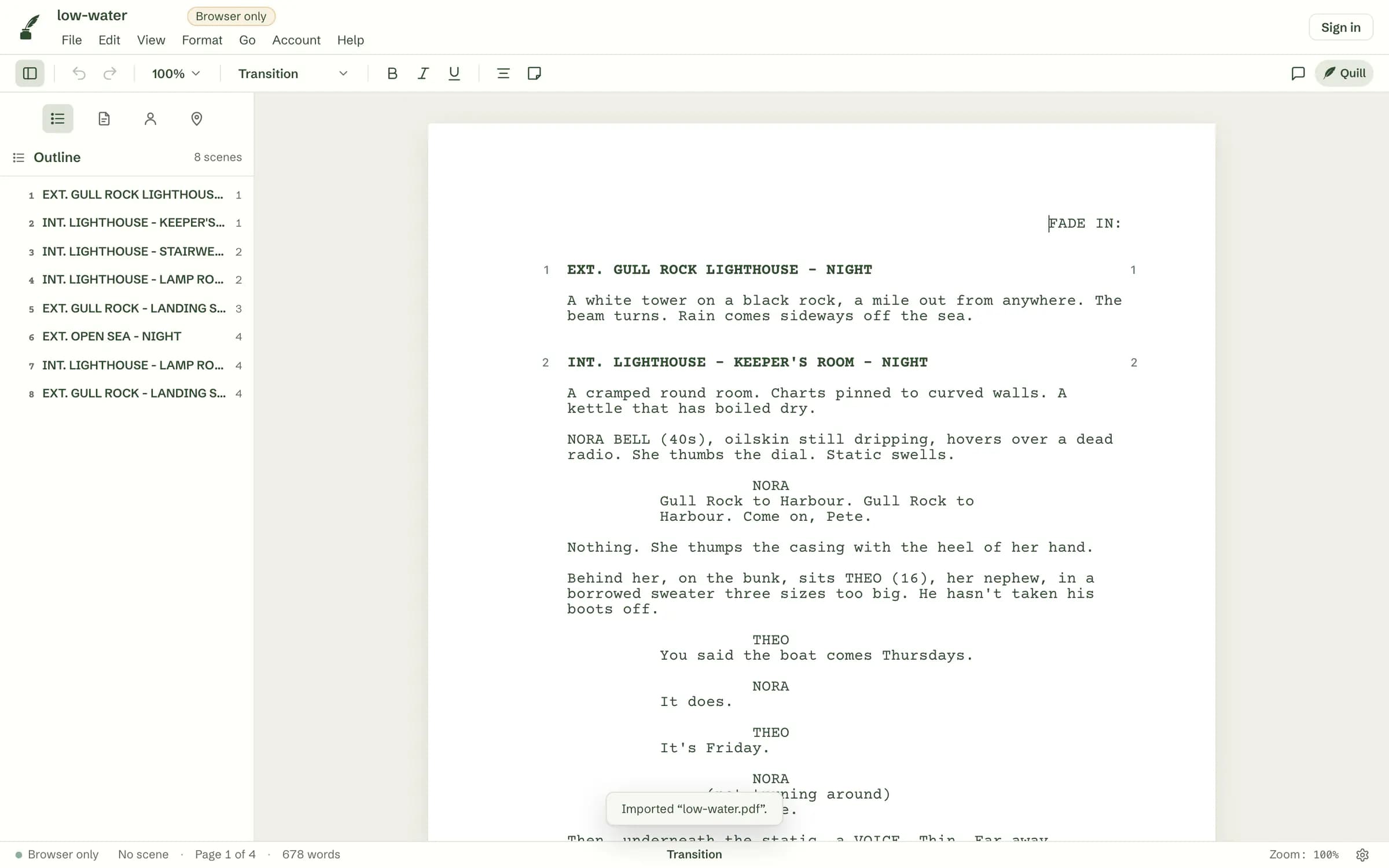
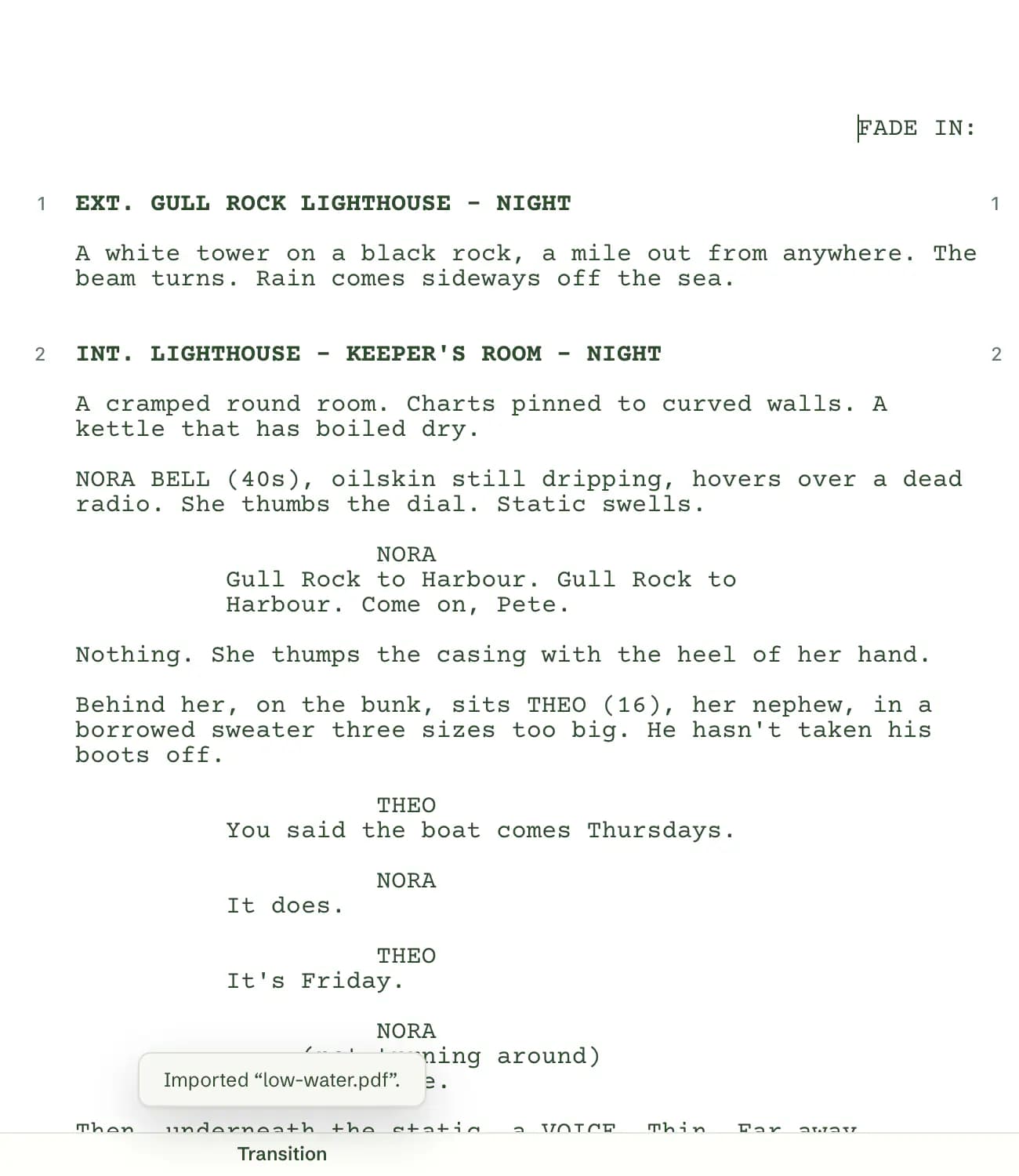
A screenplay PDF just dropped on the browser editor: the notice Imported low-water.pdf, and the script open as editable pages, FADE IN: then scene 1, EXT. GULL ROCK LIGHTHOUSE - NIGHT, with all eight scenes listed in the outline.A screenplay PDF just dropped on the browser editor: the notice Imported low-water.pdf, and the script open as editable pages, FADE IN: then scene 1, EXT. GULL ROCK LIGHTHOUSE - NIGHT, with all eight scenes listed in the outline.
04

Print it, or send it on.

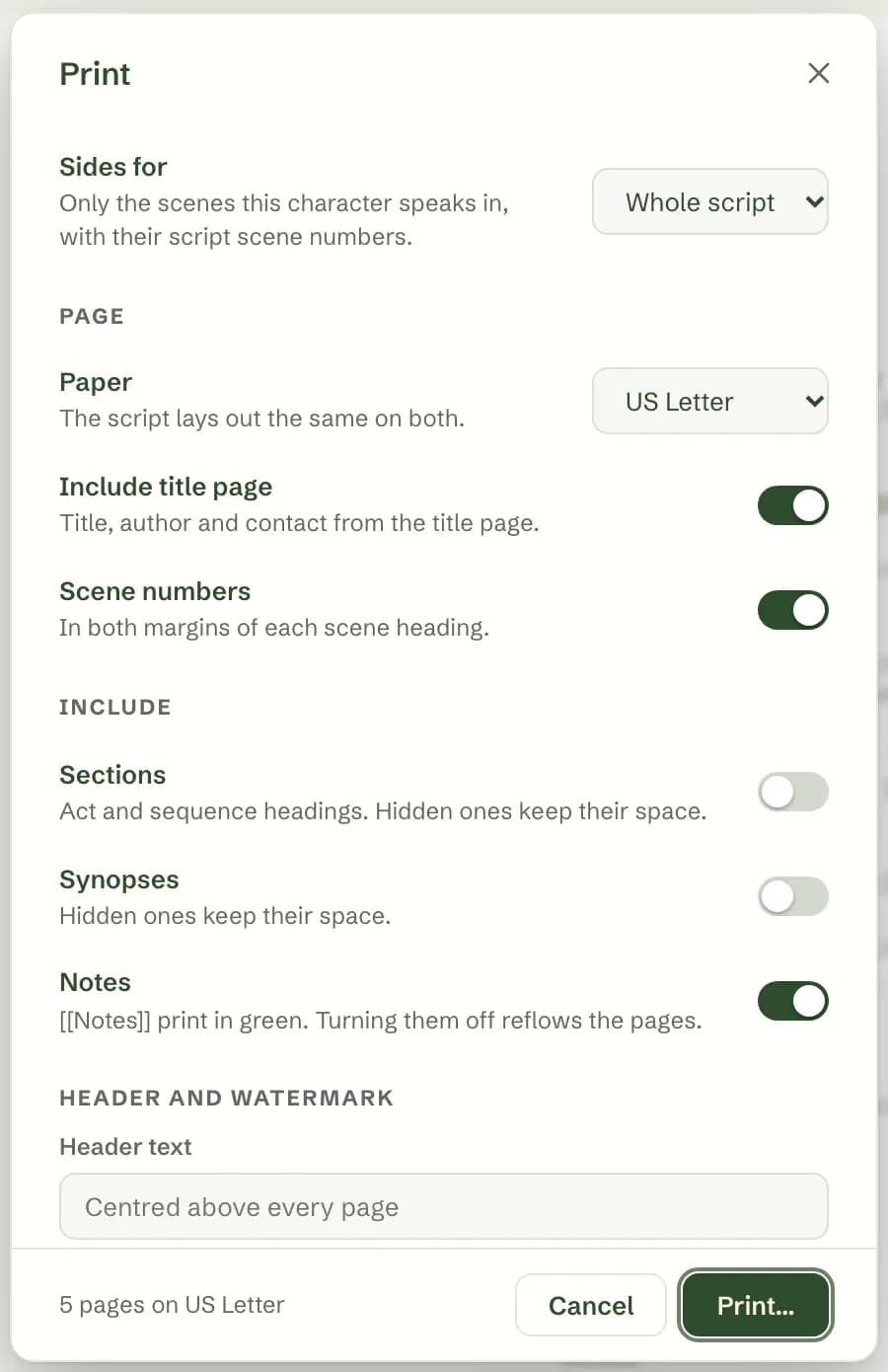
Print or save a PDF with a title page and scene numbers.

When someone works in Final Draft, export an .fdx. Fountain works too.
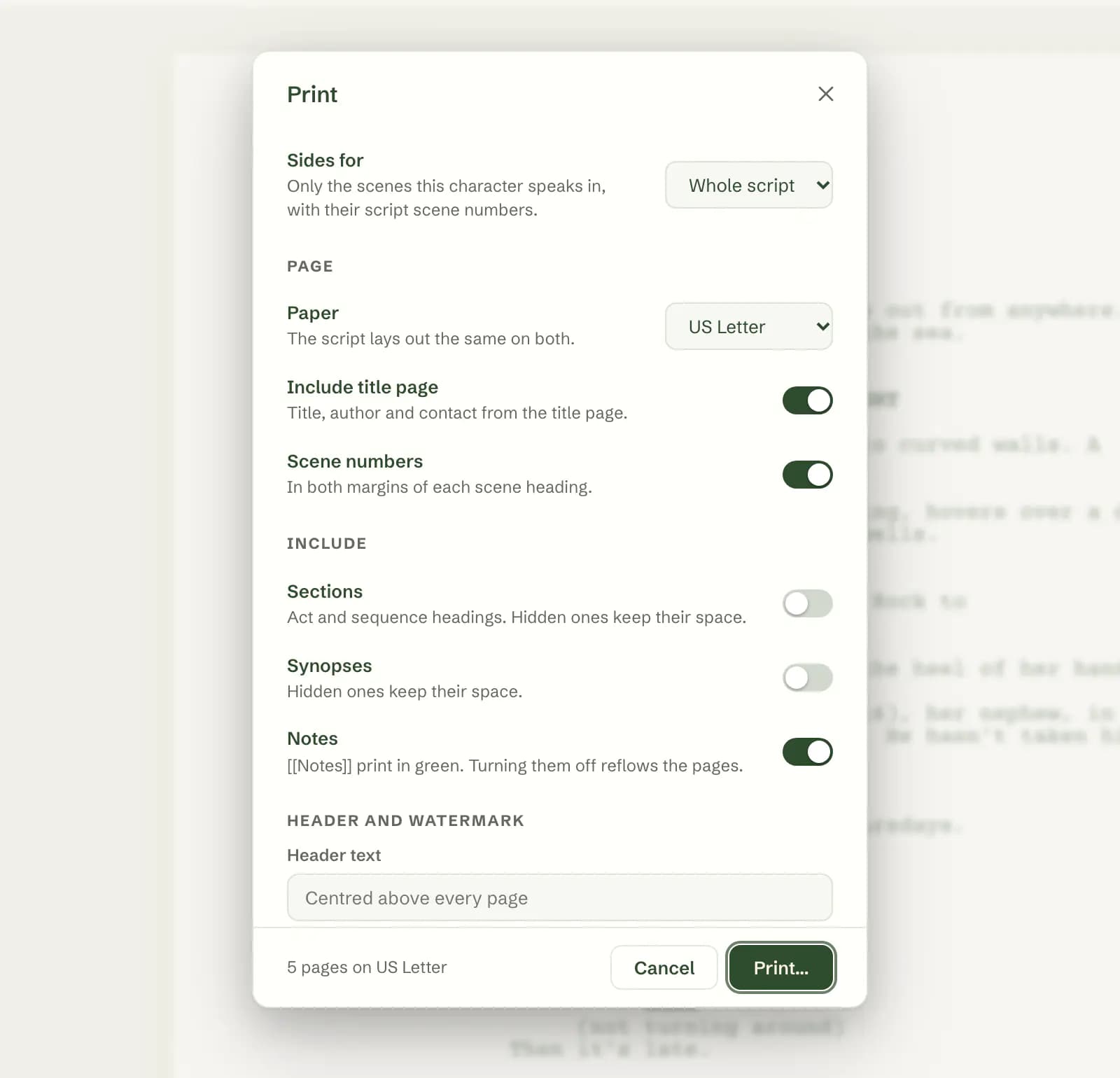
The Print dialog over a script: Sides for Whole script, US Letter paper, switches for Include title page, Scene numbers, Sections, Synopses and Notes, a header text field, and 5 pages on US Letter next to the Print button.The Print dialog over a script: Sides for Whole script, US Letter paper, switches for Include title page, Scene numbers, Sections, Synopses and Notes, a header text field, and 5 pages on US Letter next to the Print button.
05

Quill, when you ask.

Ask about a scene or a line. Quill suggests changes to your script's pages that you accept or reject, one at a time or all at once. It changes the logline and character notes directly, as one step you can undo.

Without an account you can ask up to 3 free questions, edits included. After that, sign up for the same free week of Quill Pro as on the Mac: 7 days, 500 credits, no card.
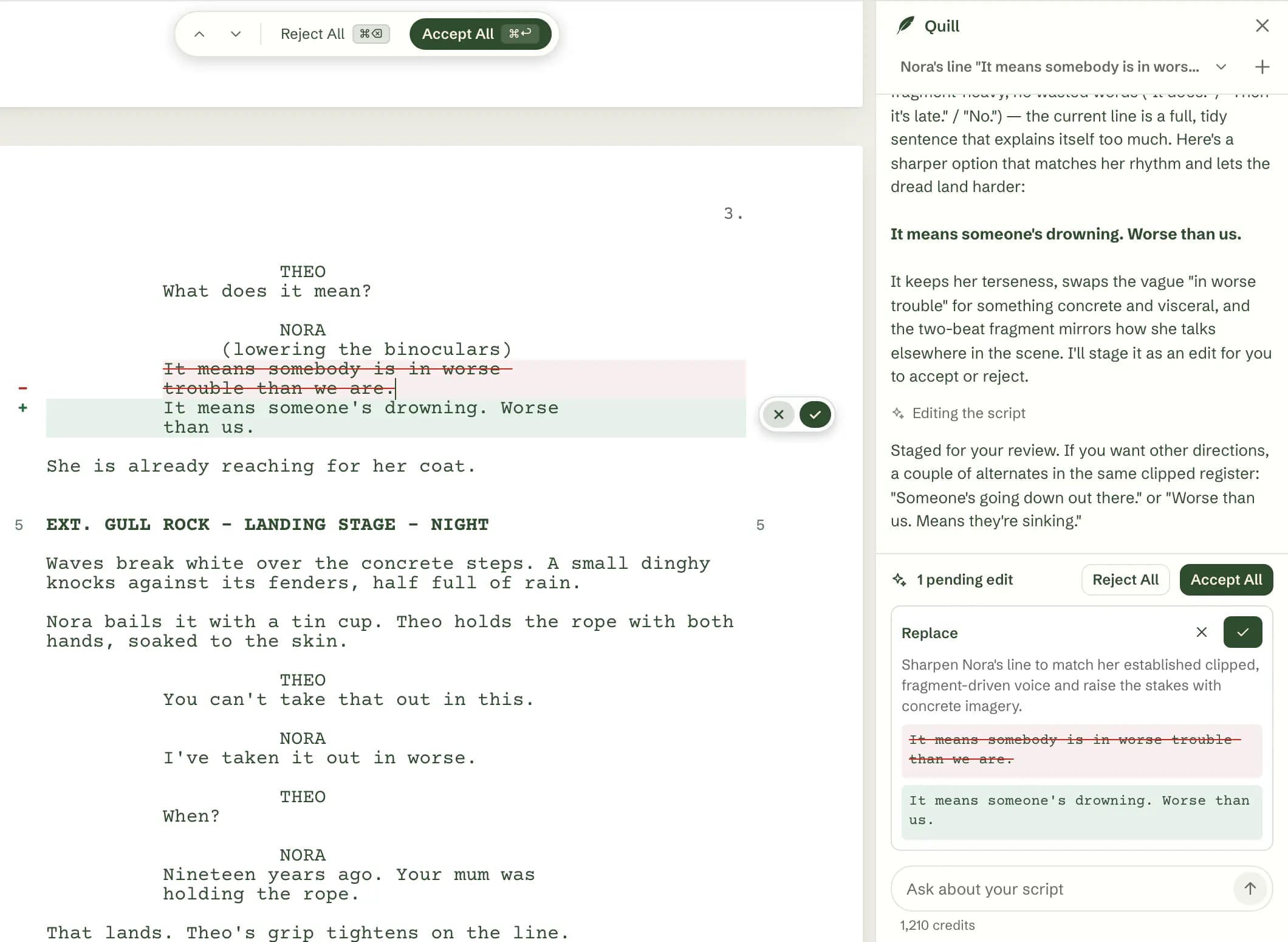
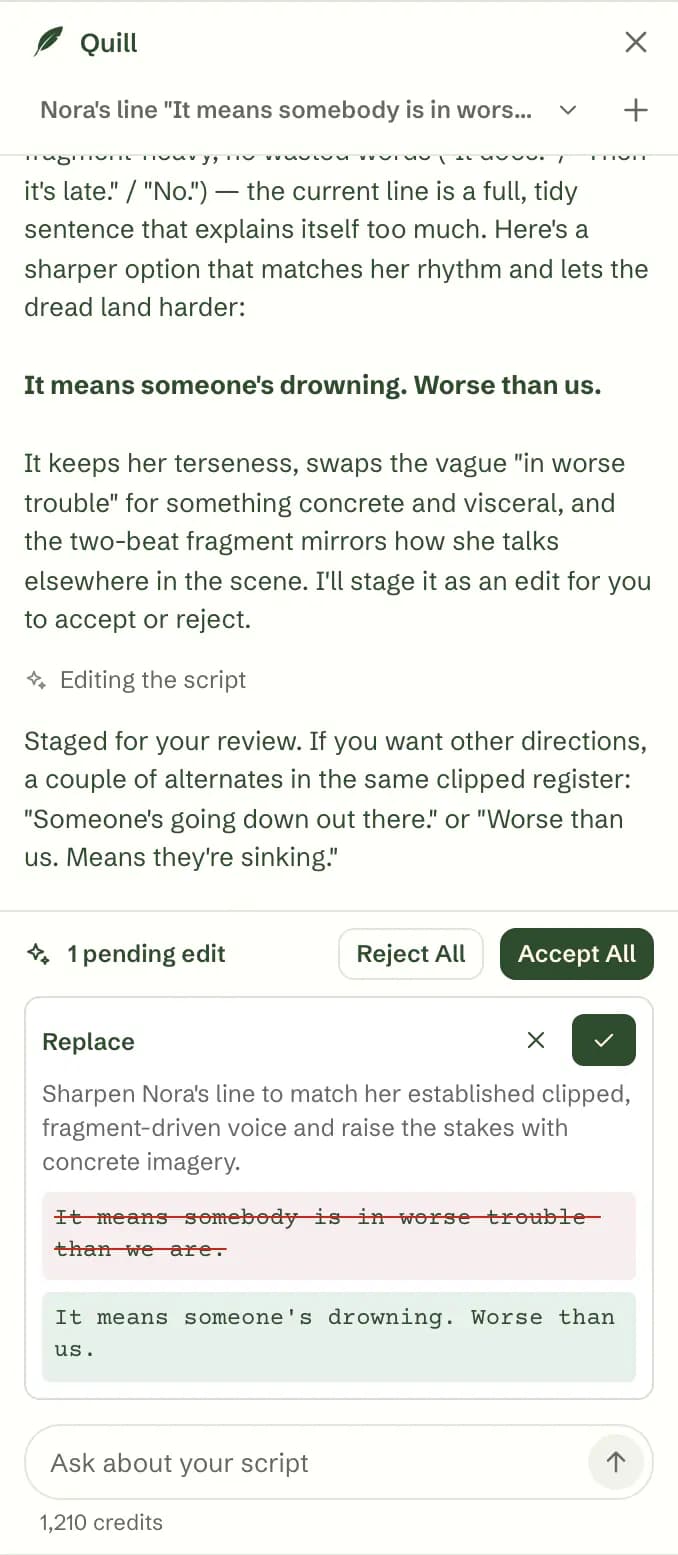
Quill's panel beside the script. Asked to sharpen Nora's line, Quill explains that her dialogue is clipped elsewhere and proposes: It means someone's drowning. Worse than us. On the page the old line is struck through in red with the new one in green, and a small reject and accept pill sits beside it. The panel shows 1 pending edit with Reject All and Accept All.Quill's panel beside the script. Asked to sharpen Nora's line, Quill explains that her dialogue is clipped elsewhere and proposes: It means someone's drowning. Worse than us. On the page the old line is struck through in red with the new one in green, and a small reject and accept pill sits beside it. The panel shows 1 pending edit with Reject All and Accept All.
A real reply from Quill on the sample script.
06

Write in the light you like.

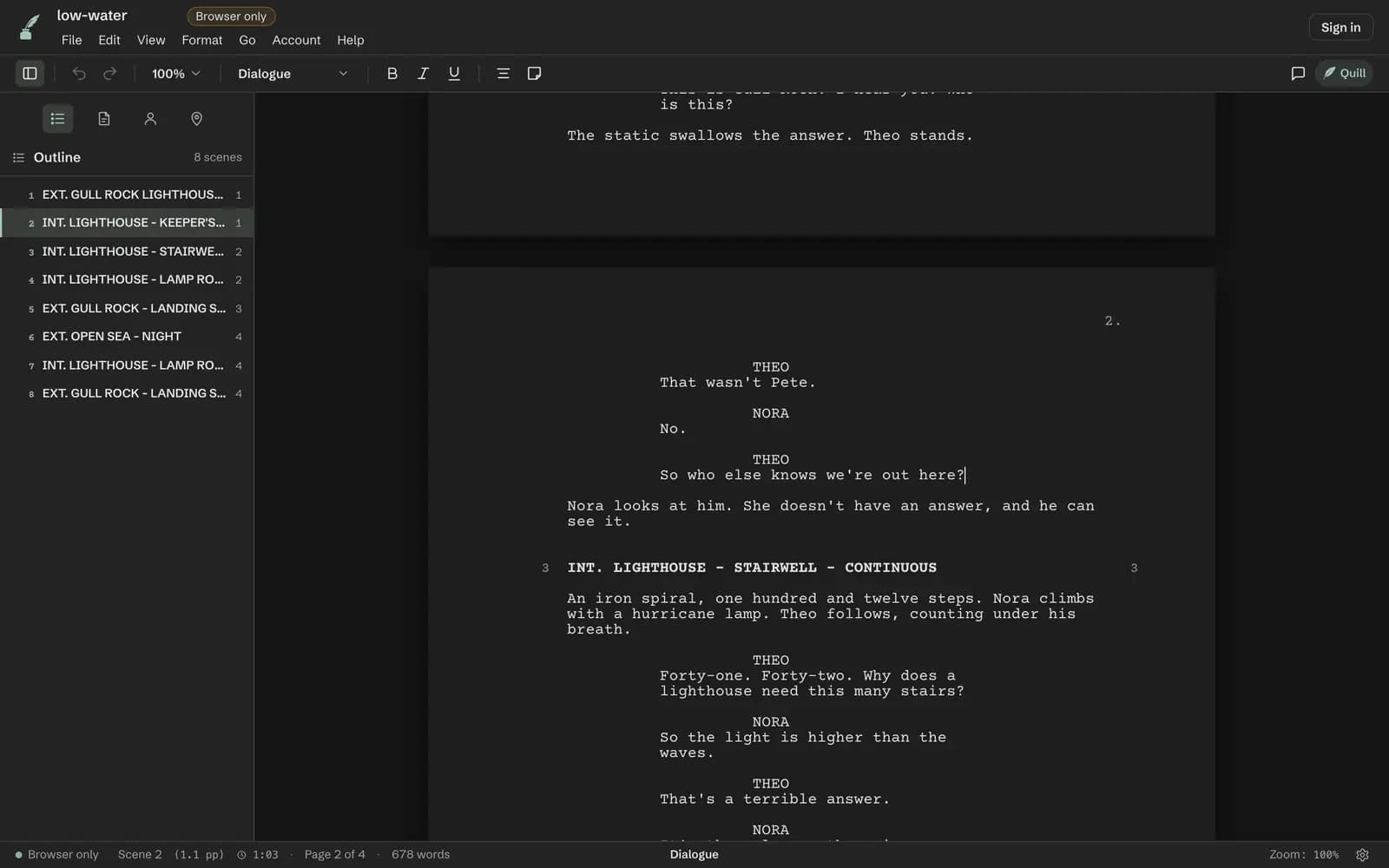
System, Light, Sepia, Focus and Midnight themes, and a focus mode that dims everything but the paragraph or element you're writing.
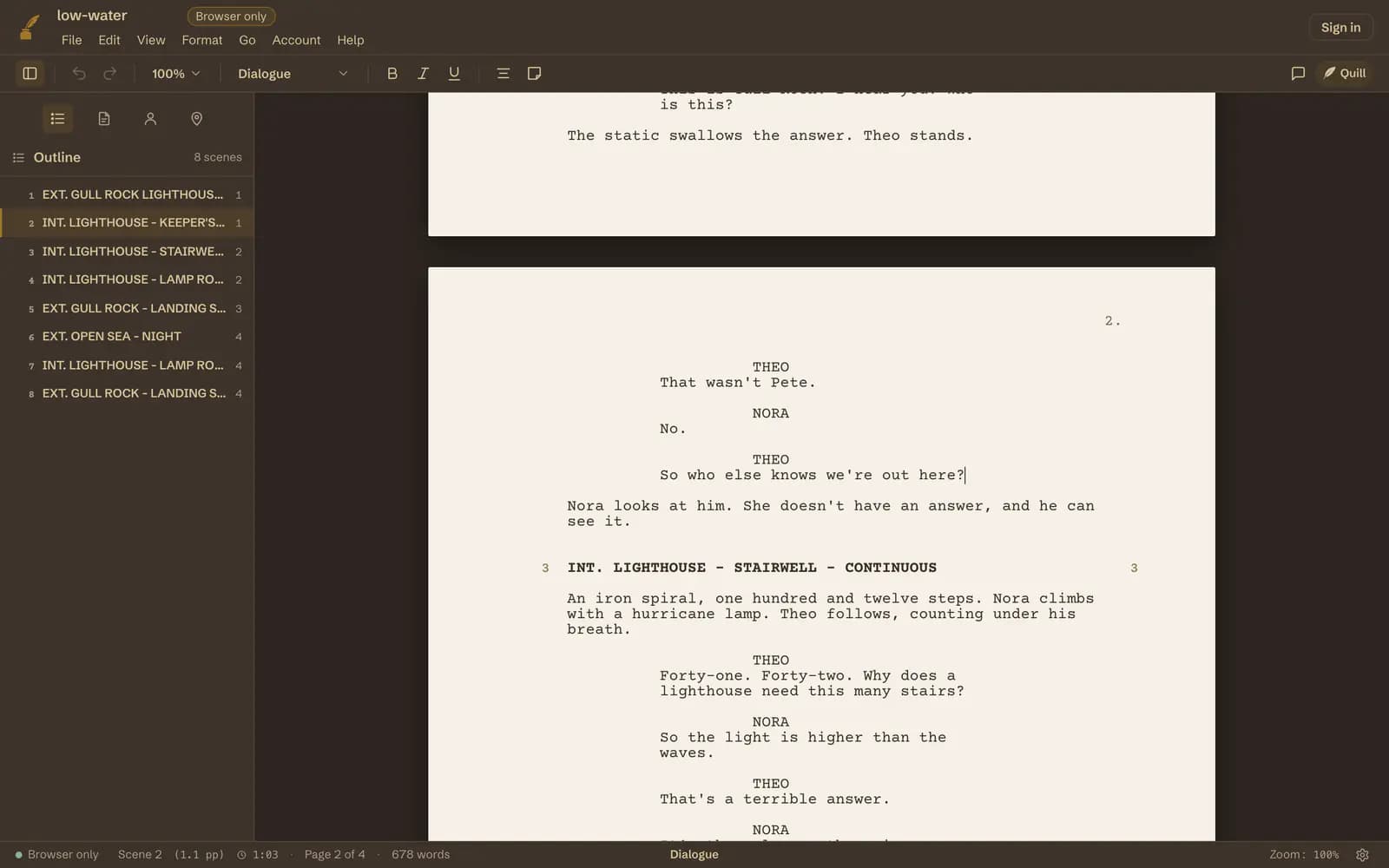
The browser editor in the Sepia theme: warm paper on a dark brown desk.
Sepia
The browser editor in the Midnight theme: light text on a dark page.
Midnight
Focus mode in the browser editor: every line is dimmed except the speech being written.
Focus mode

Works offline

Once you've opened the editor, it saves itself to this computer and keeps working without a connection.

Installs as an app

On Chrome and Edge you can install it as an app, with its own window (File ▸ Install Web App).

Where your script lives

On your computer, not on our servers.

A script is saved in your browser on this computer. Chrome or Edge is recommended: there you can also save it as a .ink file and keep saving into that file, so it's an ordinary file you can back up. On Safari and Firefox, Save downloads a copy. Clear your browser's site data and a script that was only in the browser goes with it, so save a file for anything you can't lose. We don't store your scripts, and you don't need an account to write.

If you sign in, your writing time, word count and the title of your script are saved to your account, so the day counts toward your writing streak. The script itself is not sent.

Quill is the one exception, and only when you ask it something: it sends the parts of your script it needs to answer to our servers and to the AI model provider.

Read exactly what we collect →
INT. THE MAC APP - DAY

What the Mac app adds.

The Mac app is still the whole professional tool. These are in the Mac app and not in the browser editor.

  • Encrypted sync across your Mac and iPhone
  • Share Draft and Draft Notes
  • Revision mode
  • Version history
  • Breakdown
FADE IN

Open a page. Start writing.

Free forever · Your script stays on your computer