A screenplay editor
that respects the writer.
Everything you need to write a script — keyboard-first, local, industry-standard — for free. And a writing partner that helps only when you ask, and never touches a word without your say-so.
Free forever · Works offline · Quill only goes online when you ask
See how Quill works →
Reading on your iPhone? Inkwell Reader is free on the App Store.
Get it →It asks first. Always.
Quill never auto-writes. Every idea is a suggestion you keep, dismiss, or write over.
Nothing changes behind your back.
Bigger edits arrive as diffs in green and red. The page moves only the moment you say so.
The script stays the one you wrote.
Quill learns how your characters talk, defends it, and leaves the final call to you.
Everything the page needs. Nothing it doesn't.
Industry-standard formatting, outlining, notes, and a writing partner that already knows the script, all in one window.
Approve every word before it lands.
Suggestions arrive as diffs: green for additions, red for cuts. Rename a character across 90 pages and approve each change, or wave them all through at once.

Writes on a plane. Writes on Wi-Fi. Either way.
A real desktop app. It opens instantly, saves locally, and never stalls waiting on a server. Quill only goes online when you ask, and nothing syncs unless you turn it on — when it does, your script is encrypted before it leaves your Mac.

Catches the line that doesn't sound like them.
Quill learns each character's rhythm and tells, and flags the moment a line drifts out of character. A second read that guards your voice.
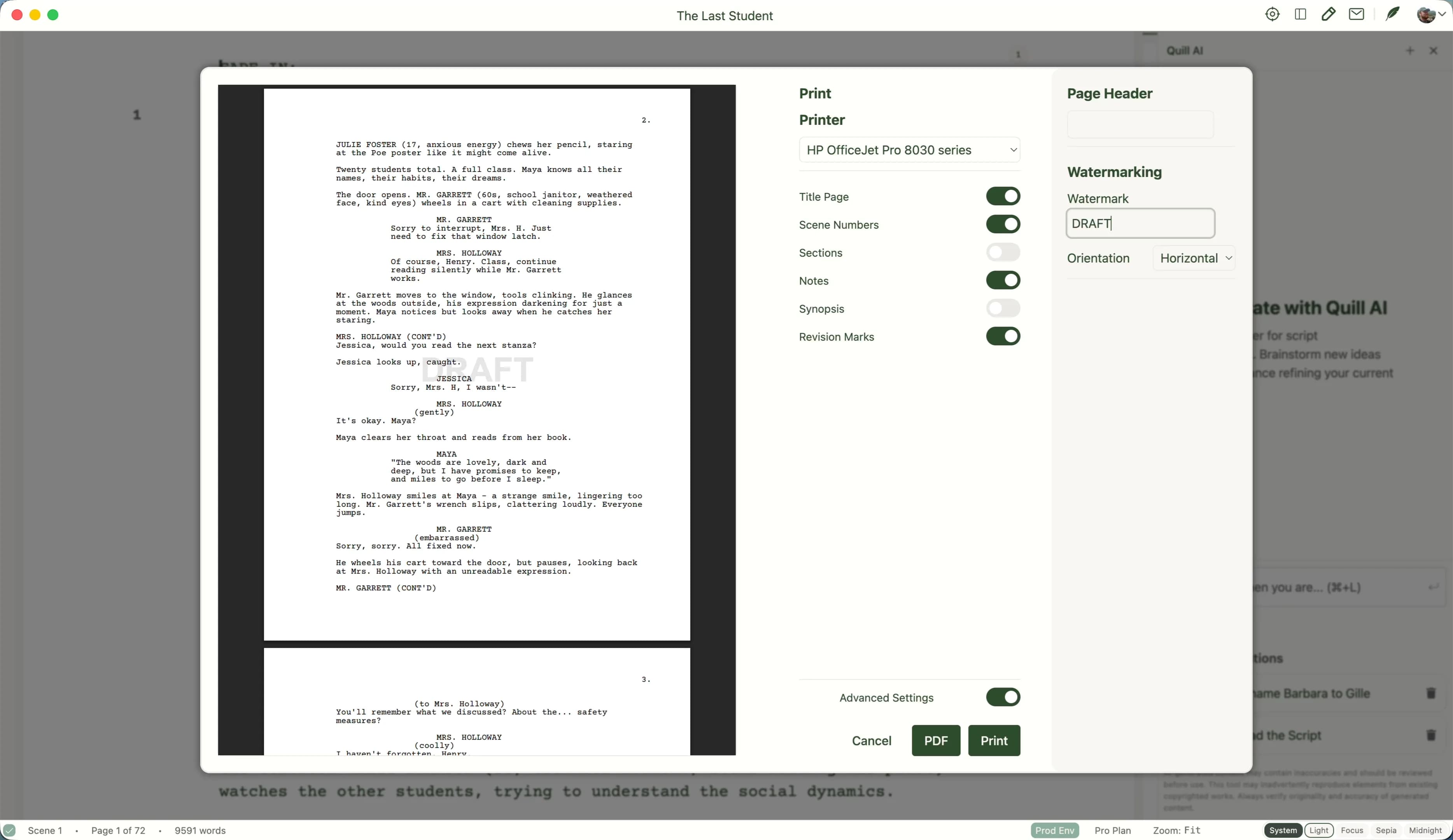
Plays nicely with Final Draft.
Import and export .fdx, Fountain, and PDF. No scene number lost.
Stop re-explaining your story.
Quill already knows the scriptFour rooms. One muscle memory.
Light, Sepia, Focus, and Midnight. Industry-standard formatting holds under all of them. If you've written a script before, the keyboard already knows what you mean.
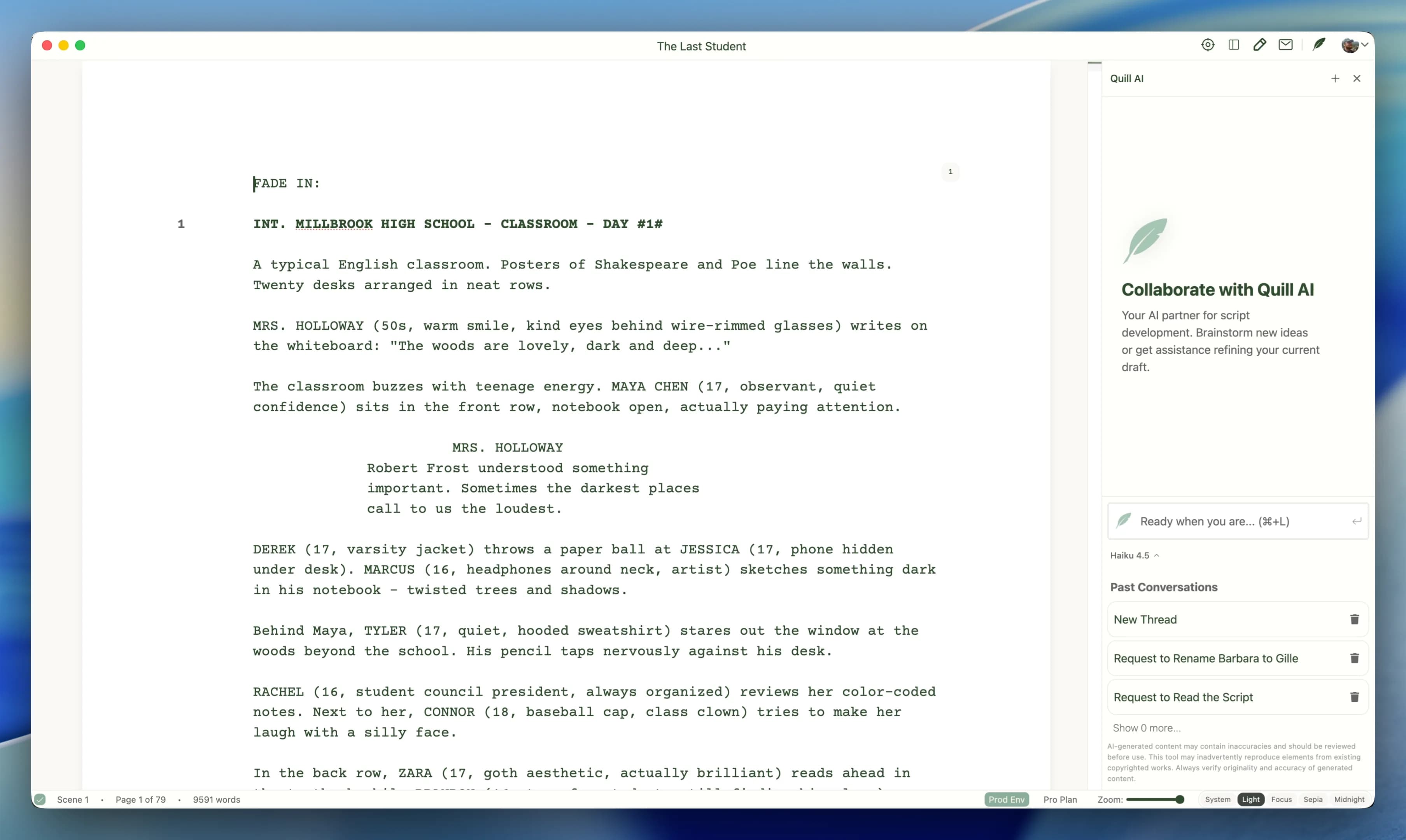 Light
Light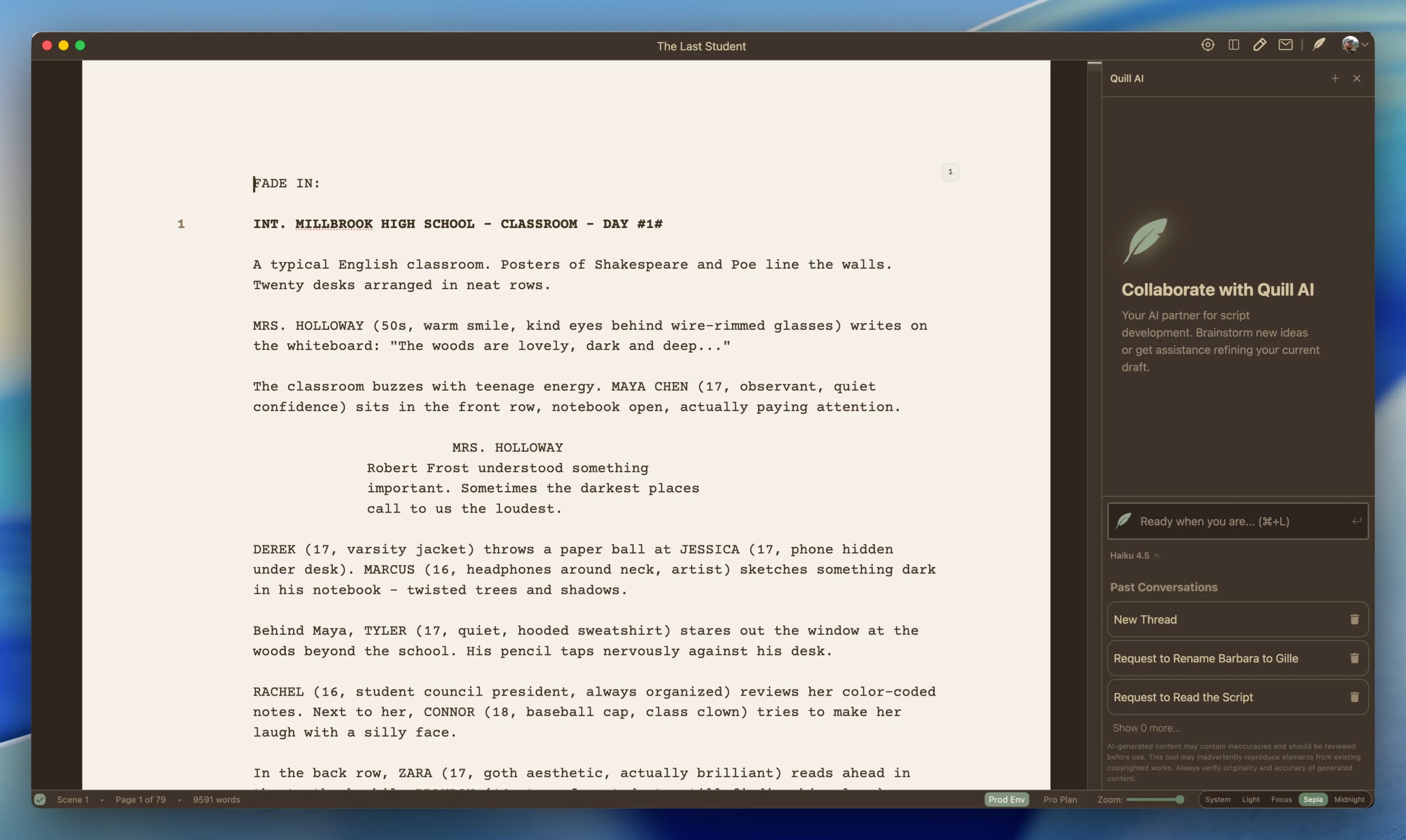 Sepia
Sepia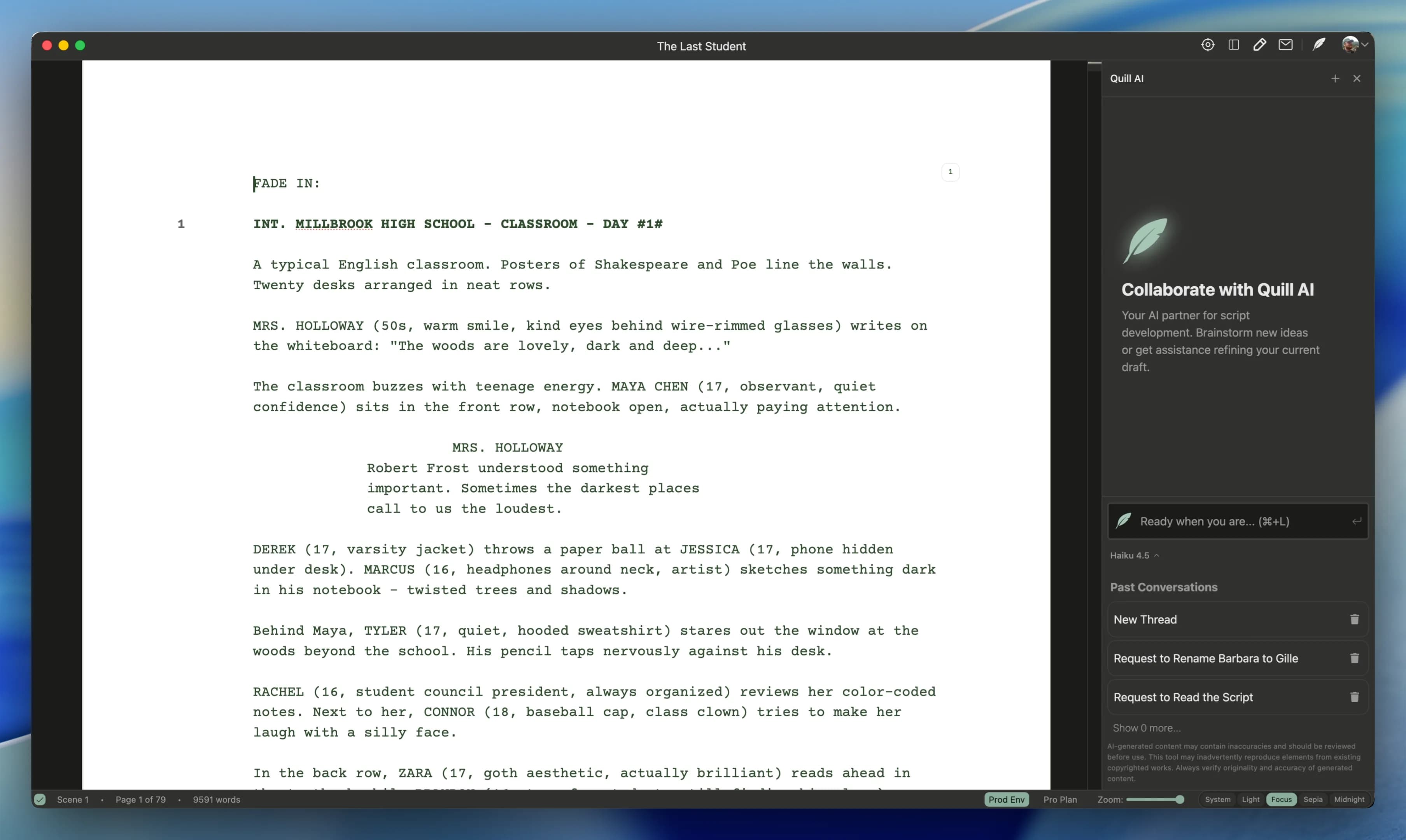 Focus
Focus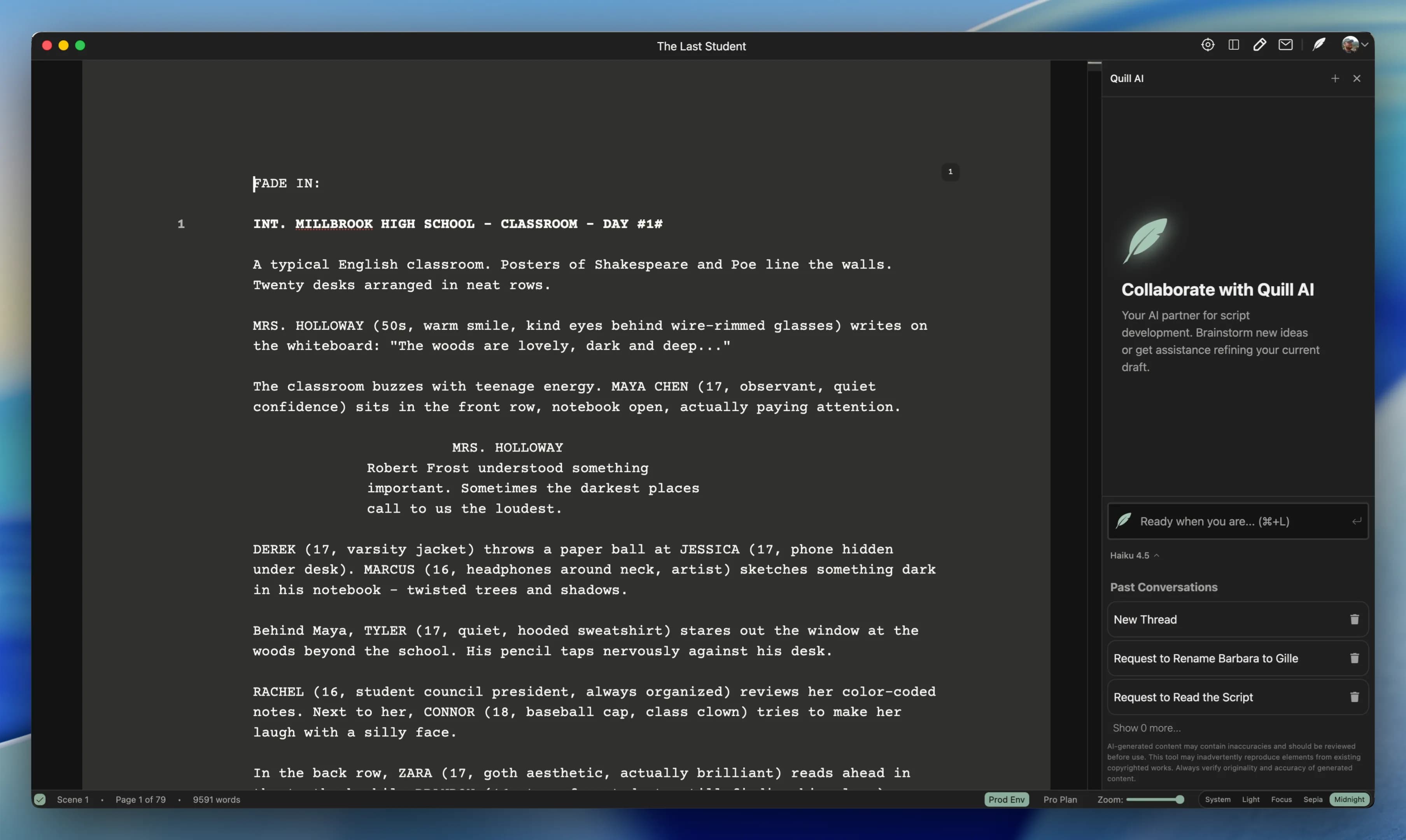 Midnight
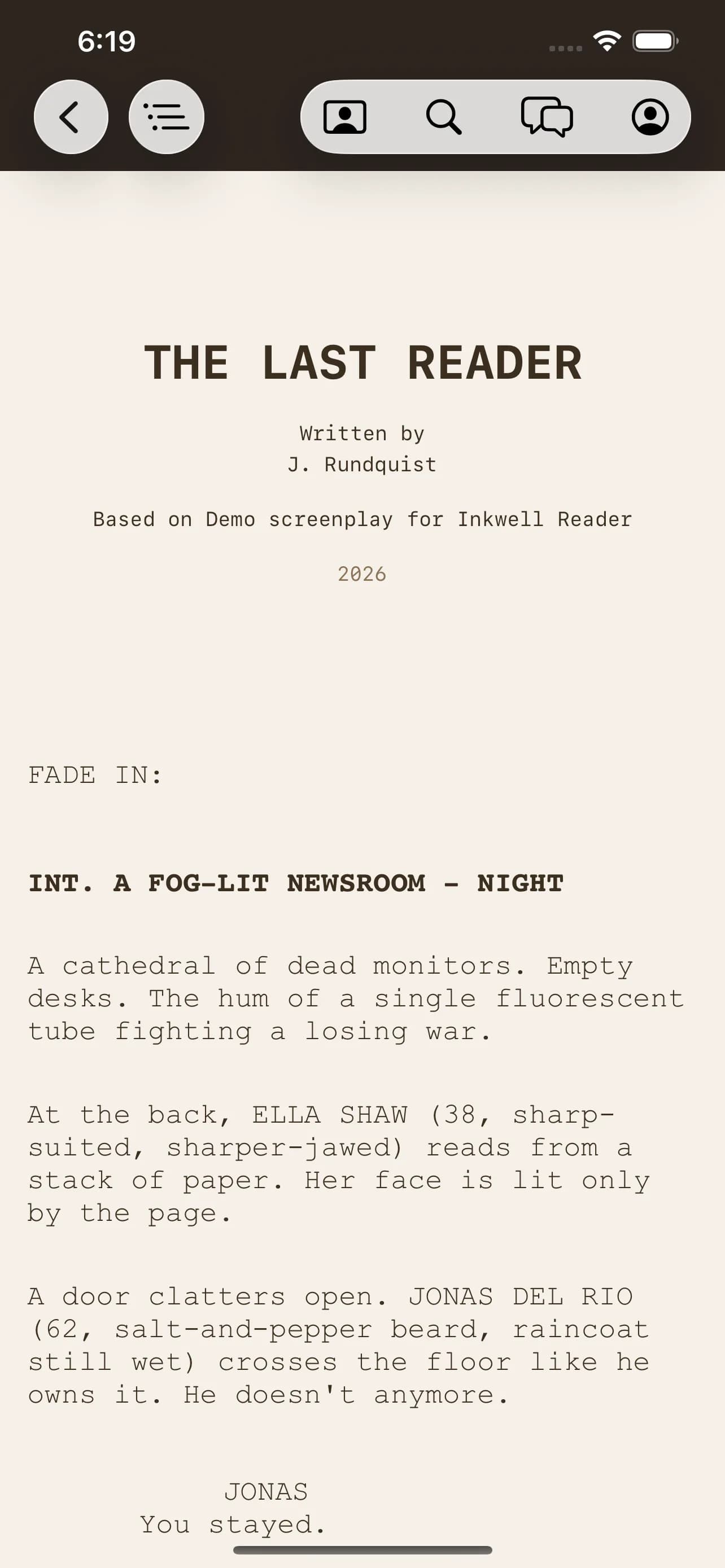
Your scripts, in your pocket.
- i.A real script reader for iOS
Open .ink, Fountain, and PDF. Pages laid out the way they're meant to be read, sized for the screen in your hand.
- ii.Find anything, fast
Full-text search and a scene jump-list, so page 47 is one tap away.
- iii.Reads on a plane
Scripts live on-device. No spinner, no sync prompt, no signal required.
- iv.Quill rides along
Sign in and your writing partner comes with you. No account needed to just read.
The editor is free. Pay only for Quill.
Professional screenwriting software shouldn't cost $250. The full editor is free forever. Quill runs on credits: start with a free week of Quill Pro (500 credits, no card), then buy a pack when you need one or subscribe if you lean on it.
The whole editor. Not a trial, not a teaser. Yours.
- Full editor, industry-standard formatting
- Import/export Fountain, FDX, PDF
- Unlimited scripts, works offline
- Free week of Quill Pro to meet Quill
- 500 credits, no card, nothing to cancel
Pay as you go. For the writer who reaches for Quill now and then.
- No subscription, nothing renews
- Buy a pack only when you want one
- Credits are spent when Quill answers
- Never for typing or exporting
For the weeks you lean on Quill hard: 500 fresh credits a month.
- 500 credits every month
- $100 / year: two months free
- Add-on packs at $4.99 / 150
- Priority support · early access
- Cancel anytime
Start writing today.
You stay in charge.
Free forever · Works offline · Every word stays yours
Note from the creator
I'm James Rundquist. My partner and I run two production companies — Robotic Donut and Bent Wrist — where we write our own scripts and read dozens more every week. I tried every tool out there; they were complicated, expensive, or just not what I wanted.
I'm a software engineer by trade, and code editors have had “AI assistants” built in for years now. I kept catching myself pasting a scene into mine for a note or a rewrite — and thinking, “Why isn't this just built into the screenplay editor?”
I didn't want an AI to write for me — I wanted an assistant, a writing partner. I needed an AI that had the context of the script and the tools to help. So… I built one!
Three years of nights and weekends later, here it is. If it's useful to me, maybe it's useful to you — I'd love for you to download it and try it for yourself.
Let me know if something's broken or missing — I read every email.
— James Rundquist, founder & developer